Free
$0.00
Try Voodle Studio
- 200 credits once
- 30 saved projects
- Up to 5 slides per video
- 2-minute videos
- 720p maximum export
- Voodle Studio watermark
AI whiteboard video maker
Type an idea, paste a script or upload a PDF. Voodle writes the script, draws every scene by hand and narrates it. Then edit anything and export an MP4.
Free to start · 200 credits · no credit card
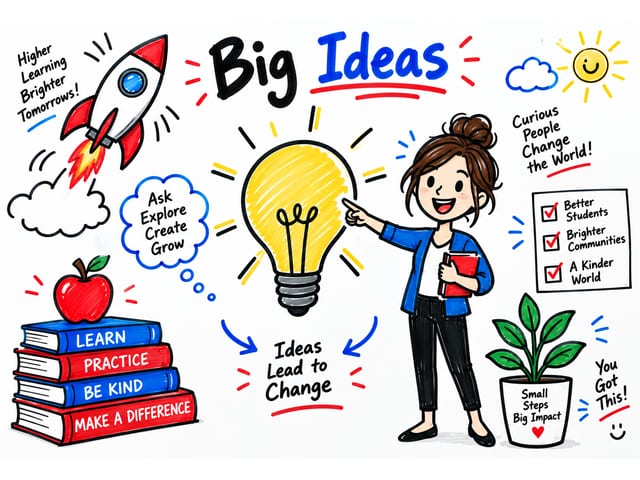
Art styles
Every tile is a short story told in that style, made start to finish by Voodle. Press play to watch one with sound, then make your video in it.
Dry-erase marker, blue & red · Sketch & line
Sample story: Why coffee prices go up and down
Made with Voodle
Lessons, explainers, training and social shorts. Each one starts as a sentence, a script or a PDF.
Turn a chapter or a topic into a lesson students watch to the end.
How volcanoes erupt
Ink & Watercolor
The water cycle
Kid's Crayon
Fractions with pizza
Whiteboard Marker
How it works
Four steps. The third one is Voodle’s, so you can step away while it works.
Looks
A look decides how each scene is made: drawn by hand, built from photos, or both.
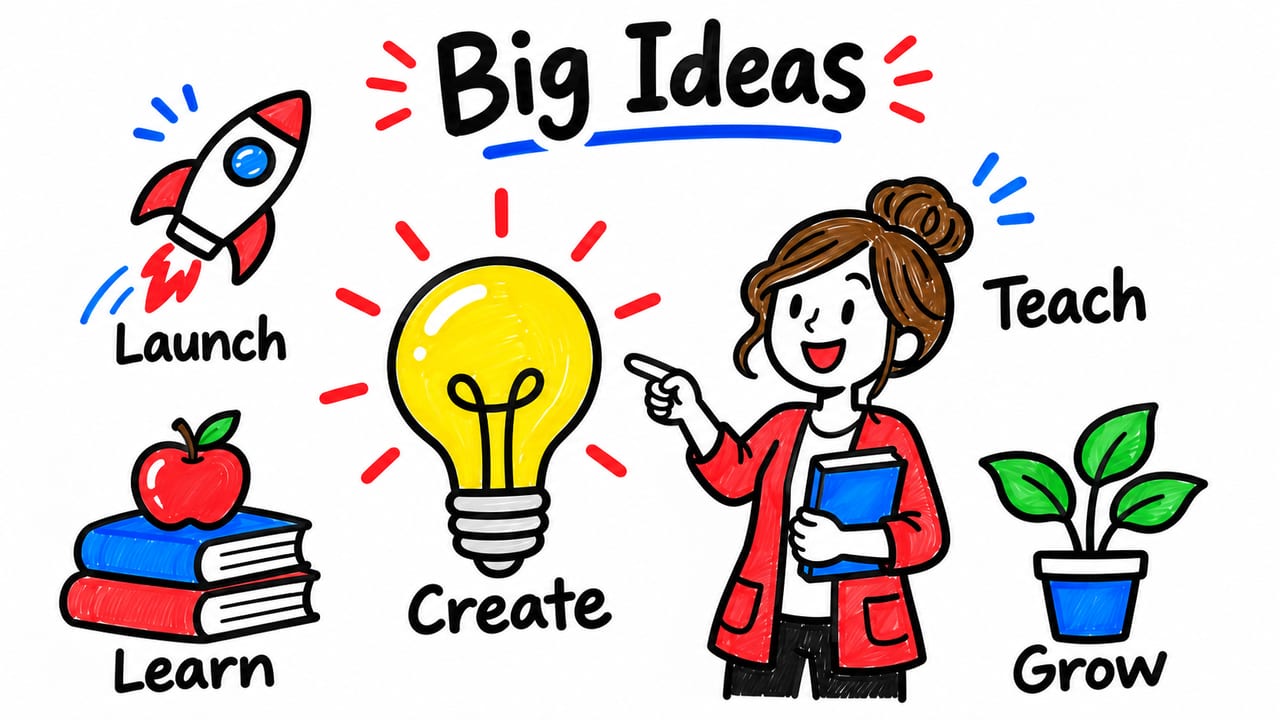 Still · video coming soon
Hand-drawn whiteboard doodle
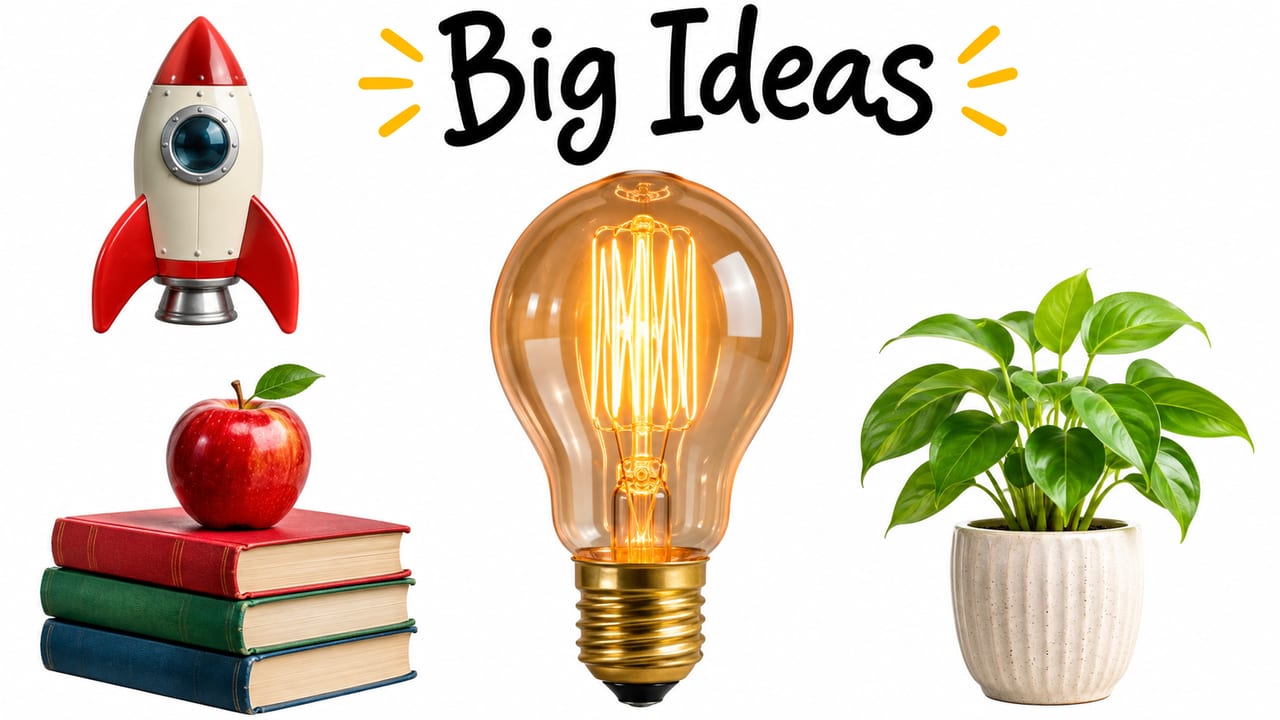 Still · video coming soon
Real-looking objects on white, drawn in
 Still · video coming soon
A full photographic scene on every slide
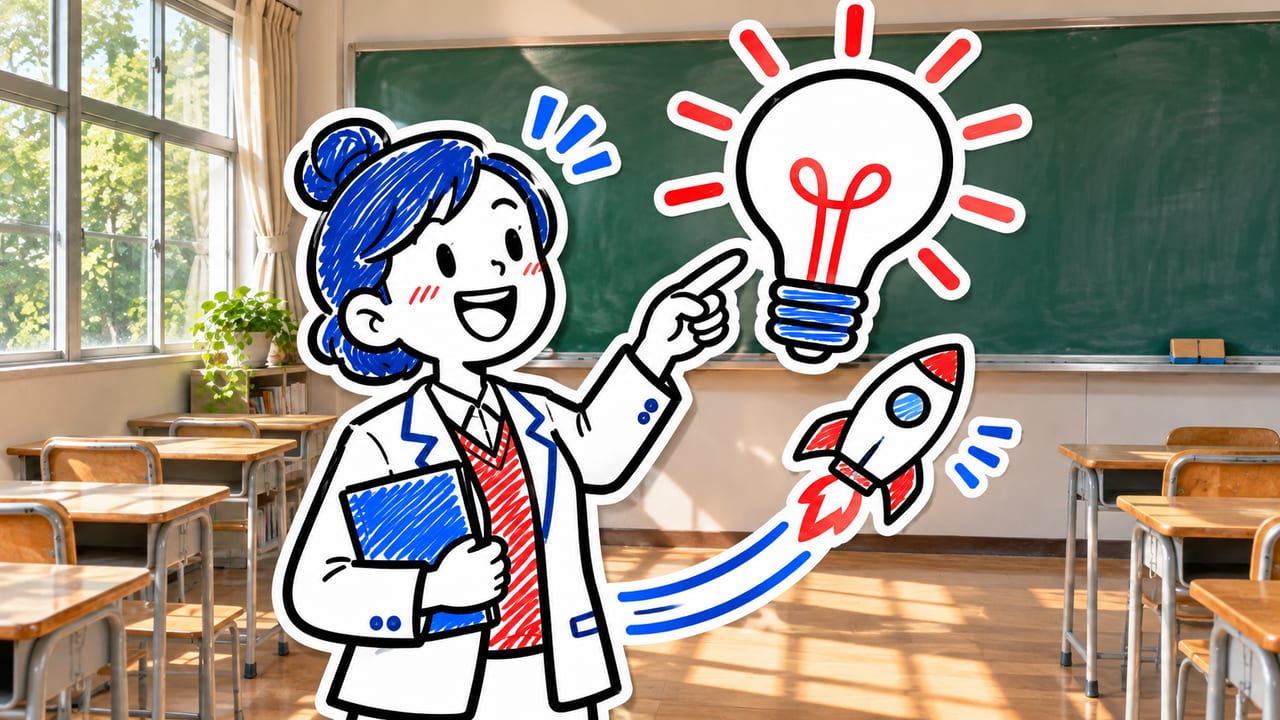 Still · video coming soon
Real background with drawn characters
Video shapes
Wide for lessons and presentations, tall for Reels, Shorts and TikTok, and three shapes in between. Exports keep the shape you pick.
YouTube, courses, slides
Reels, Shorts, TikTok
Portrait posts
Landscape posts
Square posts and ads
Narration
Every scene is narrated and timed to the drawing. Choose how the voice performs your script, from a film narrator’s build to a quiet read.
Cinematic and lively: a film narrator’s build, pause and release
A warm narrator with some colour
A quiet, measured voice
Editor
The video Voodle makes is a starting point. It opens in an editor where every scene is yours to adjust.
Pricing
One shared balance for AI generation, narration and exports. Free includes 200 credits once; paid plans refill monthly, whether you pay monthly or yearly. INR prices include GST.
$0.00
Try Voodle Studio
$24.99/mo
Individual creators
$59.99/mo
Frequent creators
$119.99/mo
Professional production
$239.99/mo
High-volume businesses
INR prices include 18% GST. Paid plans renew automatically every month or every year until cancelled; a year costs ten monthly payments. INR regular prices are proposed list prices, not a claim of previous selling prices. Paid credits reset each billing month without rollover, on yearly plans too; Free receives 200 credits once. One account per plan.
Monday–Friday, 10am–6pm IST, excluding holidays. Response targets, not resolution guarantees.
No commitment
One-time top-ups — pay once, use whenever. No subscription required.
100credits
Great for trying out the platform
$5.99
500credits
Most popular for content creators
$24.99
2,000credits
Best value for agencies
$89.99
10,000credits
For large-scale production
$399.99
Voodle Studio is an AI whiteboard video maker. You give it an idea, a script or a PDF. It writes the script, draws every scene, records a voiceover and animates a hand drawing each stroke. You can then edit the video and export an MP4.
An idea in one sentence, a finished script, or a PDF. From an idea, Voodle Studio writes the script. From a script, it keeps your words and splits them into slides. From a PDF, it reads the document, pulls out its characters and pictures, and writes the story.
30 art styles in 5 families: classic doodle and cartoon styles, sketch and line, painted, graphic and flat, and character and craft styles such as anime, clay and paper cut-out. You can also pick a look for the scenes: whiteboard, photo cut-outs, cinematic or mixed.
Yes. Choose 9:16 for vertical video, or one of the other shapes: 16:9, 4:5, 5:4, 1:1. The export keeps the shape you picked.
The voices are multilingual and read your script in the language it is written in. You can filter voices by accent, gender and style, preview each one, and set the delivery to energetic, balanced or calm.
Yes. Every video opens in the editor, where you can change the text, artwork, narration, timing and scene order, and add effects, camera moves and transitions before you export.
Voodle Studio animates a drawing hand to reveal artwork and text. The result depends on the asset and animation you choose; preview your scenes to check the effect.
Generation time depends on the input, settings, and workload. You can close the tab while it runs; the video waits on your dashboard. Allow time to review the script, artwork, and narration, then preview and export the project.
Yes. The free plan includes 200 credits once, no credit card, and 30 saved projects. Free exports support up to two minutes at 720p with a Voodle Studio watermark. Upgrade to a monthly or yearly plan, or buy a one-time credit pack, when you need more renders.
Yes. Upload a PDF and Voodle Studio reads it, pulls out its characters and pictures, and splits it into narrated scenes. The Original style keeps the exact art from your PDF; every other style redraws it.
A shareable MP4 with the drawing animation and synced voiceover, from 720p up to 4K depending on your plan. You can post it, drop it into a course, or send it as a product explainer.
Type your idea and watch a hand draw it. No design skills, no editing suite.